
Download Chalkboard for Windows – drawing app, digital art, creative tool, sketching, note-taking, presentation tool, offline, free, utility, Windows app
Overview
Chalkboard for Windows is a streamlined digital drawing application designed to empower users across skill levels to express their creativity and enhance productivity. Targeted at both casual users and professionals, the app serves as a versatile tool for sketching, note-taking, and creating dynamic visual presentations. Its core purpose lies in simplifying the process of digital art creation without the complexity typically associated with professional-grade design software. By offering intuitive controls and a distraction-free environment, Chalkboard helps users focus on their ideas rather than technical barriers.
The app is particularly beneficial for educators, students, designers, and remote workers who require a fast, reliable platform for visual ideation. Whether drafting quick diagrams during virtual meetings, annotating documents, or exploring artistic concepts, Chalkboard provides a seamless experience. Its ad-free interface ensures uninterrupted creative flow, a critical feature for users seeking focus and efficiency. The developer, Jason K. Menard, has positioned the app as a lightweight, accessible utility for Windows users, emphasizing usability and functionality over excessive features.
Chalkboard fits into the broader Windows productivity ecosystem by offering a no-frills alternative to heavier design tools. It supports offline use, making it ideal for users in environments with limited or unreliable internet access. While specific technical details about performance or system compatibility were not provided, the app’s small file size suggests optimized resource usage. Its release in December 2024 marks a timely addition to the growing category of creative utilities on the platform.
Key Features & Functionality
- Intuitive Drawing Tools: Supports input via mouse, stylus pen, or touch, enabling natural drawing across various devices. This flexibility ensures accessibility for users with different hardware setups, whether using a tablet, laptop with touch screen, or traditional desktop.
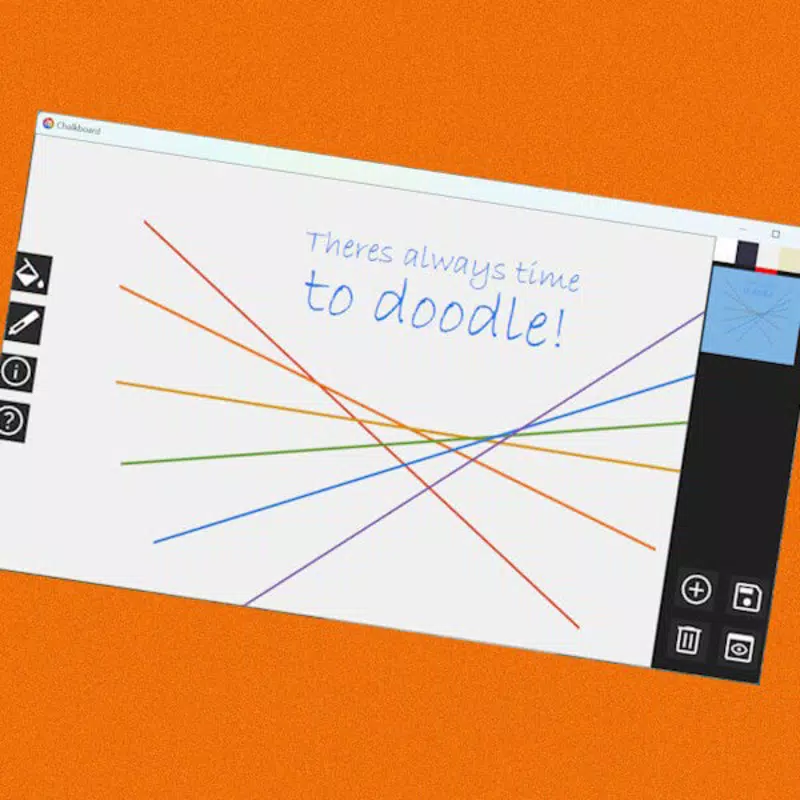
- Rich Color Palette: Offers a broad selection of vibrant colors for precise artistic expression. The color picker is designed for quick access, allowing users to match specific shades without navigating complex menus.
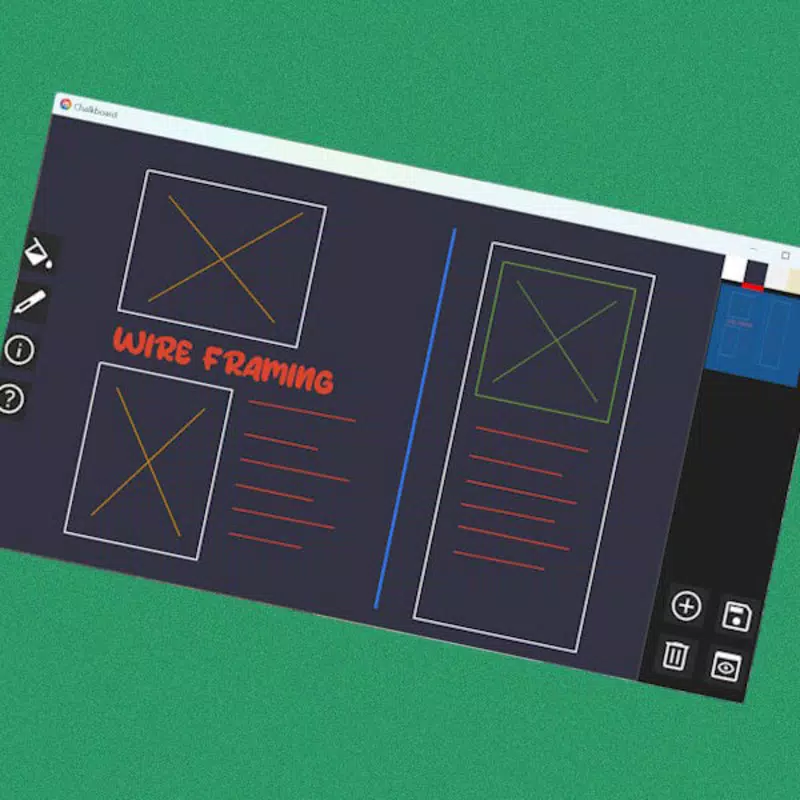
- Real-Time Editing & Text Input: Enables immediate changes to drawings and supports text insertion via right-click, improving workflow efficiency. This feature is especially useful for annotating diagrams or adding labels during presentations.
- Productivity Enhancements: Includes keyboard shortcuts for creating straight lines, shapes, and arrows, reducing reliance on menus and accelerating the design process. These tools are ideal for technical sketches or structured visual planning.
- Offline Functionality: Fully operational without an internet connection, allowing users to work anytime, anywhere. This is a significant advantage for users in remote locations or those who prefer to work without data dependency.
- Simple File Management: Allows users to save, delete, and access projects with minimal effort. The straightforward interface reduces the cognitive load associated with organizing digital artwork or notes.
These features collectively support real-world scenarios such as classroom teaching, remote brainstorming sessions, personal journaling, and rapid prototyping. For example, a teacher can use the app to illustrate concepts on a digital whiteboard during a lesson, while a designer might sketch preliminary ideas during a client call. The app’s focus on simplicity ensures that users can begin creating immediately, without lengthy setup or learning curves.
Interface, UX & Performance
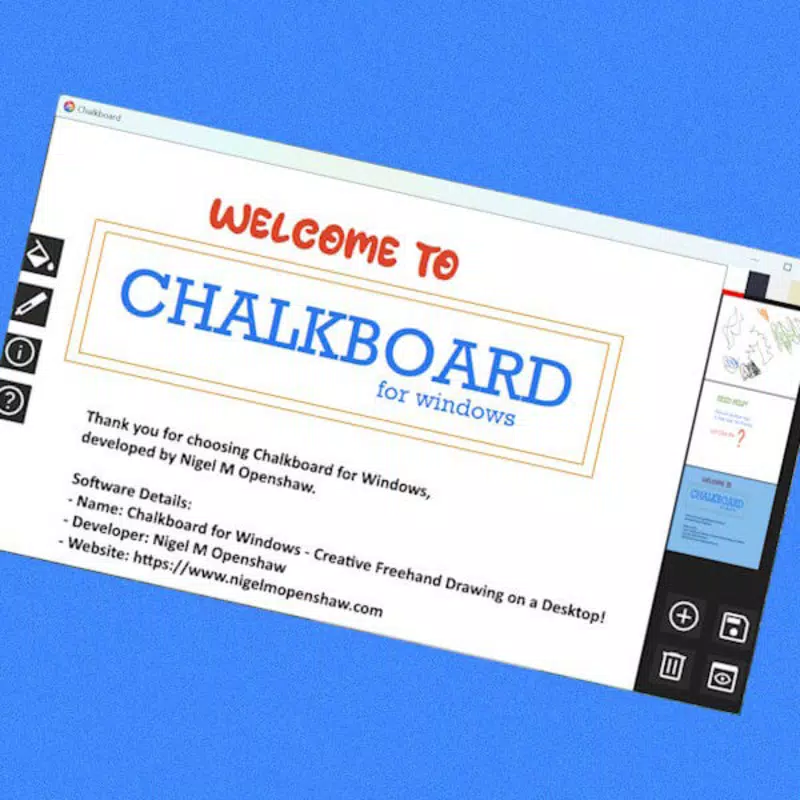
Chalkboard for Windows features a clean, minimalistic interface that prioritizes usability and visual clarity. The layout places essential tools within easy reach, reducing clutter and enhancing focus on the canvas. Navigation is straightforward, relying on intuitive gestures and context-sensitive actions such as right-clicking for text input. The design emphasizes function over ornamentation, aligning with the app’s productivity-driven purpose.
Users can expect a responsive experience across various device categories, including touch-enabled laptops and standard desktops. Although the developer did not list formal performance metrics, the app’s small file size of 12.4 MB suggests efficient memory usage and quick startup times. Stability appears to be a priority, as the app operates without ads or intrusive pop-ups, contributing to a smooth user experience.
While specific information about performance under high-load conditions or on older hardware was not provided, the app’s lightweight nature indicates it is likely to run well on a wide range of Windows systems. The lack of reported issues in the release notes implies consistent behavior across typical use cases. Overall, the user experience is designed to be frictionless, enabling users to concentrate on creativity rather than technical limitations.
Platform Compatibility & Technical Requirements
Chalkboard for Windows is available exclusively for the Windows operating system. The app is compatible with Windows devices running the latest versions of the OS, though specific minimum OS requirements were not listed. The software version is 1.0.1, indicating a stable initial release with potential for future updates.
The app has a compact file size of 12.4 MB, making it easy to download and install even on devices with limited storage. This efficiency suggests optimized code and minimal background processes. The developer did not specify additional hardware requirements such as GPU or RAM, but the lightweight nature of the app implies broad compatibility with standard Windows machines.
Given its free pricing model, Chalkboard is accessible to a wide audience. Users can install it directly from official sources without subscription fees or in-app purchases. The lack of detailed technical specifications means users should ensure their system meets general Windows compatibility standards, but no specific constraints were identified in the release information.
Pros and Cons
- Lightweight and fast-loading with a small file size
- Ad-free experience for uninterrupted creativity
- Supports multiple input methods: mouse, stylus, and touch
- Offline functionality for use without internet access
- Simple file management and intuitive interface
- Productivity tools like keyboard shortcuts and right-click text input
- Specific system requirements were not disclosed
- No information on cloud sync or cross-device access
- Developer details beyond name were not provided
- No official update history or changelog available
- Limited customization options for tools or canvas settings
FAQ
Is Chalkboard for Windows safe to download and install?
Yes, the app is free and available through official channels. As it is developed by Jason K. Menard and released without ads or bundled software, it is considered safe for users seeking a straightforward drawing tool.
Can I use Chalkboard without an internet connection?
Yes, the app supports full offline functionality, allowing users to draw, edit, and save their work without requiring an internet connection.
Does Chalkboard support stylus pens?
Yes, the app is designed to work with stylus pens, offering a natural drawing experience for users who prefer precision and pressure sensitivity.
Is there a mobile version of Chalkboard?
Currently, the app is only available for Windows. There is no information on mobile or cross-platform availability.
How often is Chalkboard updated?
The developer has not provided a public update schedule or changelog. Users are advised to check the official release page for new versions.
Final Thoughts
Chalkboard for Windows stands out as a focused, efficient tool for digital sketching and productivity. Its minimalist design, combined with practical features like offline access and real-time editing, makes it a compelling choice for students, educators, and creatives seeking a lightweight alternative to complex software. The app’s emphasis on usability and performance ensures a smooth experience without unnecessary distractions.
While it lacks advanced customization and cloud integration, its core strengths lie in simplicity and reliability. For users who value a clean, ad-free environment and quick access to drawing tools, Chalkboard delivers significant value. It is particularly well-suited for on-the-go note-taking, classroom instruction, and rapid visual ideation.
With a free price tag and a compact footprint, Chalkboard offers an accessible entry point into digital creativity. Download Chalkboard for Windows now and unlock your creative potential with a tool built for real-world use.


